
Recently, privacy and anonymity on the Internet have already become not a luxury, but a necessity. Already in order to use the usual sites and applications in Russia, it is necessary to connect to the VPN, even if the service is officially working on the territory of the country (not to mention Spotify and other programs). There are a lot of such examples, as the number of blocked and geographically inaccessible services is growing every day.
It is widely believed that VPN is needed only by hackers and computer "gurus". Now this is not so - any user, if his favorite site is blocked, will want to bypass the lock. And you can do this only with the help of VPN.
VPN services are quite a lot now, but the levels of encryption of all traffic to exclude the cases of its interception by third parties are different for all, and Proxy (used in browser plug-ins) generally only "hide" the IP and can not protect the transmitted data. One of the best : it uses a policy of zero log storage and its own DNS servers located in Greece.
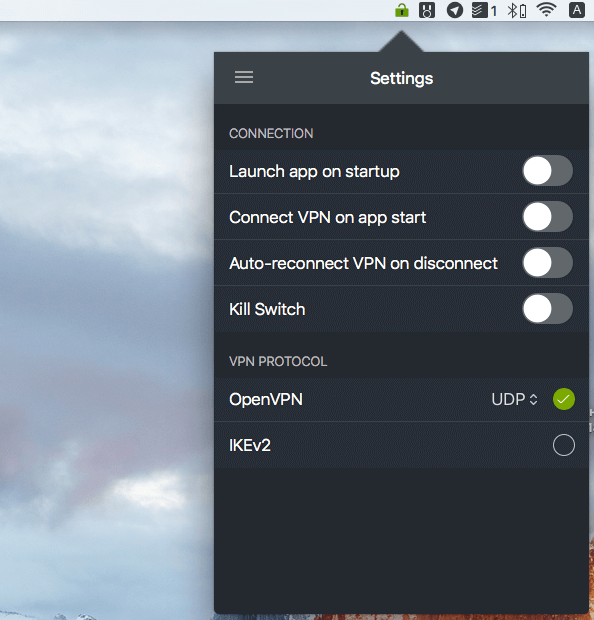
This approach has many advantages. The provider does not see what resources the user visits, and can not implement locking, implement their scripts and toolbars. A nice bonus is also broad support for protocols - from OpenVPN TCP / UDP, IKEv2 and L2TP / IPsec to PPTP VPN.
One of the features of Zoog VPN is the support for encryption of the banking level. The service uses an encryption algorithm with 256-bit keys, SHA256-authentication and RSA-2048 algorithm. This is especially important when using public Wi-Fi points in airports, metro, cafes and restaurants and other similar places.
To start using the service, enough on the same Mac or Windows and register - the program will run in the background, and to start the connection, it will take only one click.
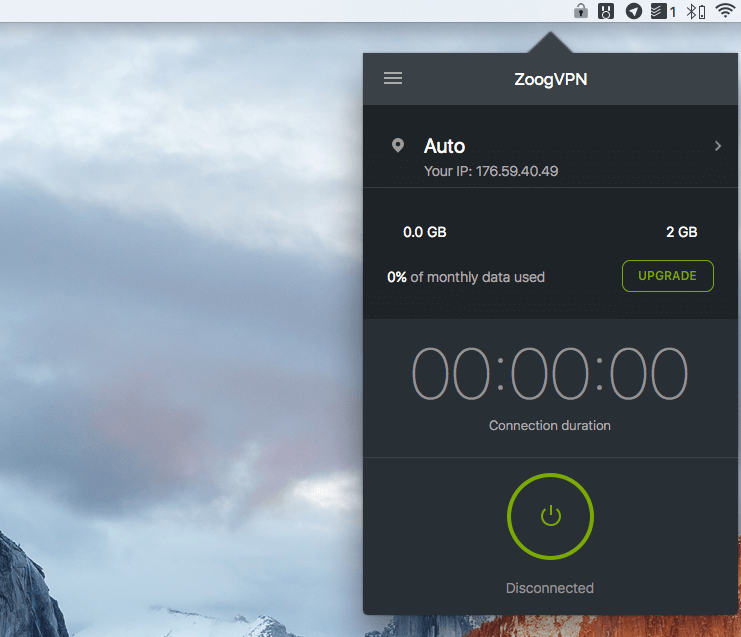
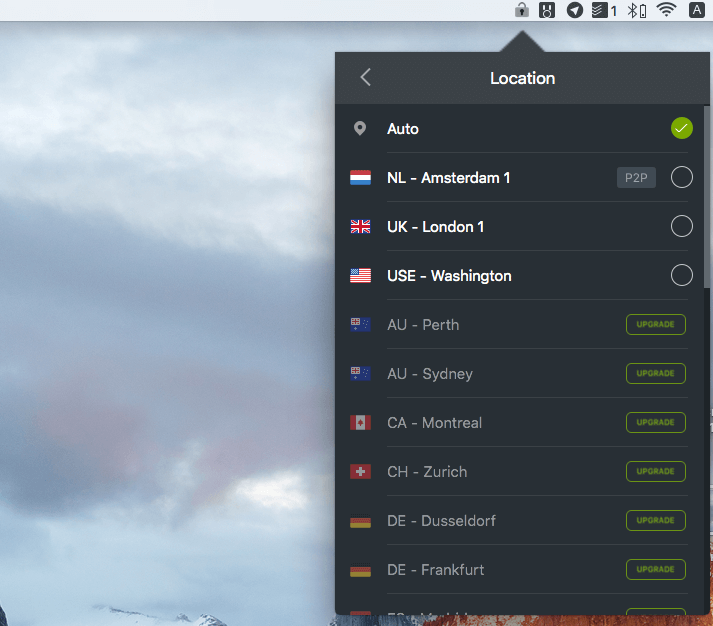
Before that, you can select one of the servers to connect to or the VPN protocol in the settings. For example, IKEv2 VPN is required for Blackberry and other devices.
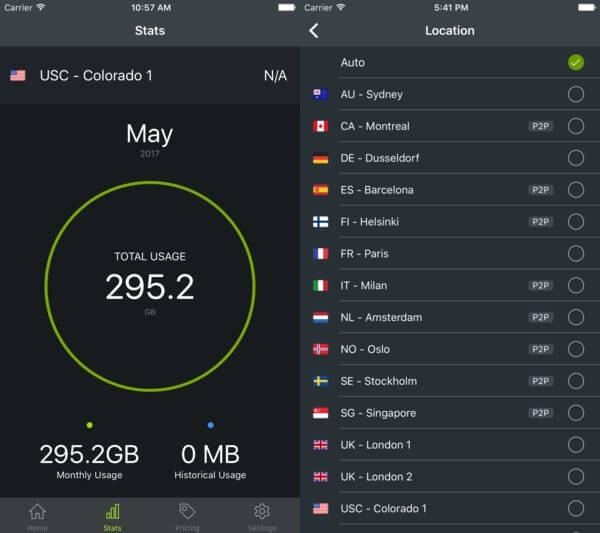
In addition, the service has a cool app for iOS and Android, with which you can always remain incognito on the Web, including when using the network operator. It is available for free and has a simple yet functional interface.
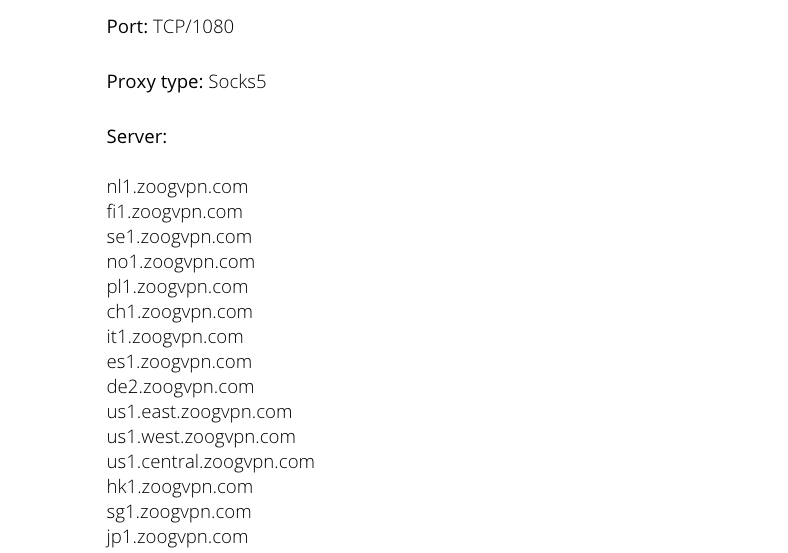
Well, a nice "cherry on the cake" - Zoog VPN provides its users with Socks5 proxies for access to Telegram, uTorrent, BitTorrent, Vuze and other applications. It is enough to enter the address of the server and port in the settings of the desired application, and use the data of your account as the user name / password.
You can use Zoog VPN for free, but the number of servers and the amount of traffic will be limited. To remove all restrictions, you can - right now the subscription for 2 years will cost only $ 1.25 per month instead of the usual price of $ 11.99 a month. Or arrange a monthly / annual subscription, which is not so profitable. For this money you will get access to more than 28 servers, unlimited traffic, P2P, Socks5 proxy and all the other "buns" of the service.
Comments
Post a Comment